
The campaign launches in 24 hours. The designer is waiting for approval, the copywriter has updated the wrong document, and the social media manager is asking whether the publishing schedule has changed. Nobody seems to know. Everyone is online, yet somehow nobody is on the same page.
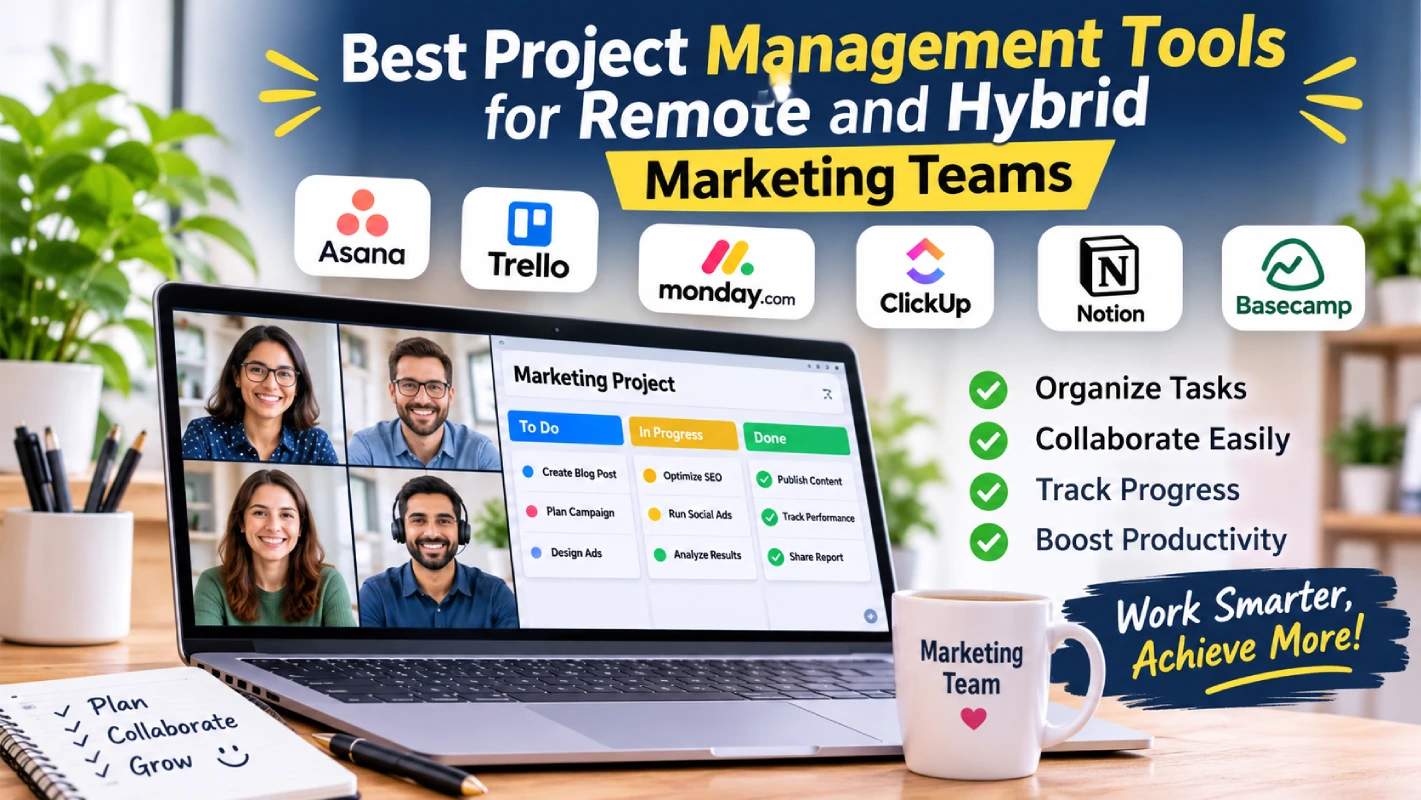
Welcome to remote marketing. Although there are many benefits to flexible working, it can often become difficult to keep everyone on the same page. This can cause confusion, duplicated tasks and missed deadlines. Choosing the best project management tools means your marketing team will have everything they need in one place.
So, what should you be looking for?
- Make Project Visibility Everyone’s Business
When employees share an office, getting a quick update is relatively easy. Remote teams don’t have that luxury. A simple question can turn into a chain of messages, and an overlooked announcement can leave someone working with outdated instructions.
Using a shared project management tool means employees can view the campaign timelines, see what needs to be done and what requires their attention.
Content writers know when content needs approving, designers know what creative requests are needed, and managers can see how the whole campaign is going. No detective work required.
- Turn Task Management Into a Well-Oiled Process
When running your marketing campaign, there will typically be several people involved and tasks to complete. Content will need writing, designs made, adverts approved and marketing materials published.
If one task is missed, it can cause issues. Find a platform that allows you to assign tasks, set deadlines and track progress. Such as assigning different tasks for your product launch such as blog posts, marketing designs, email campaigns and social media scheduling.
Having tasks assigned to individuals with deadlines will make it easier to know what everyone’s responsibilities are and any tasks that need completing. You won’t get into awkward situations where you have to ask “Wait, who was supposed to handle this?”
- Stop Scheduling Meetings for Every Little Thing
Remote teams sometimes develop an unfortunate habit: turning every minor discussion into a video call. A quick question becomes a 30-minute meeting. A small revision requires another discussion. Before anyone realizes it, the morning is gone. Good collaboration shouldn’t work that way.
The best project management tools offer messaging, file sharing, and collaborative workspaces that help employees exchange feedback without unnecessary meetings. Keeping conversations connected to relevant projects also makes information easier to locate.
For teams operating across different time zones, asynchronous communication is particularly useful. Employees can review updates and respond when their schedules allow. Not everything is urgent. Not everything needs a meeting.
- Track Progress Without Micromanaging People
Managers need to know whether projects are progressing. Employees, meanwhile, need enough independence to get their work done.
Finding the right balance matters. Using dashboards, reporting, and task completion tools gives insight into what’s going on with projects. Managers will quickly be able to see incomplete tasks, understand possible blockers and reassign duties.
Employees will feel responsible. Trust your employees, but make sure everyone can see where the project stands.
- Choose Tools That Play Nicely With Your Existing Software
Marketing teams will already have lots of software in place for analytics, email marketing, content creation, and social media scheduling. You don’t want to add more to this list.
Choose tools that will integrate with your current software, can be used on mobile devices, and can be tailored to your workflow. They should also be user-friendly, secure, scalable and affordable.
A good tip would be to not get caught up in the extra features a tool can offer. Choose one that your employees can easily use. By testing your shortlisted solution with a small team, you can easily pick up any potential issues.
Build a Remote Workflow That Actually Works
Ensure you have processes in place to ensure even the best software can be used effectively. Define your processes around assigning tasks, communicating quickly, keeping things organised and providing updates.